Code
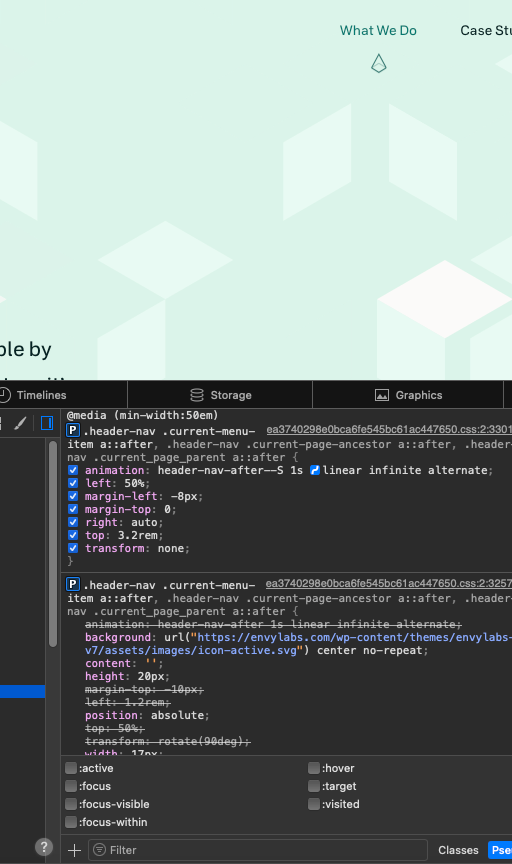
While looking through the Envylabs site I noticed that they had a unique styling to indicate what page you were currently on, with a little help from in class to reveal the code you can see that the styling here is due to a ::after selector, it is neat to see how some CSS can bring the little elements of a page together.
UI
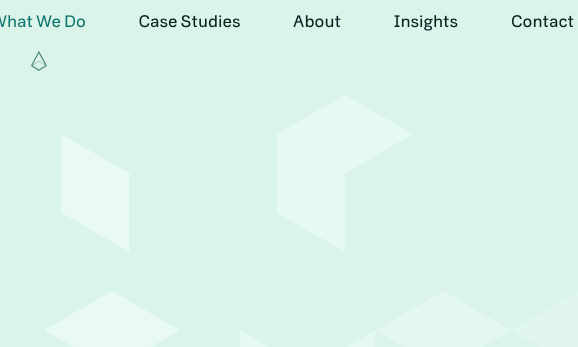
While it may look simple this little bit of UI helps make the page feel like it is loading faster, because while you wait for the page to load up you get this little split second pop up that ensures you feel like you are moving through the page faster. While you may be waiting the same amount of time as other pages you get this little indicator that makes you think wow that was fast even before the page is loaded.

UX
What makes this page have appealing UX? When you scroll through the page the background moves with your mouse, the images appear on screen and your other elements flow in, the page is large enough to fill with information without being overbearing and as to not have so many sub-links to other areas.
Summary
In summary, Envy Labs has a nice flow and amount of information, while the extra background elements are appealing not every person knows what is going on and may feel overwhelmed, nice site with a great feel overall.