:focus
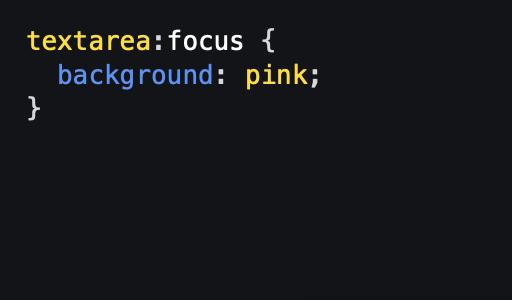
The :focus pseudo-class is used to style elements when they are in focus, which happens when a user clicks on, taps, or navigates to them with a keyboard. It’s usually applied to form elements like inputs, text-areas, and buttons. By using focused elements, you enhance the accessibility of your site, allowing users to easily identify which element is active, this is important for keyboard-only navigation.
animation
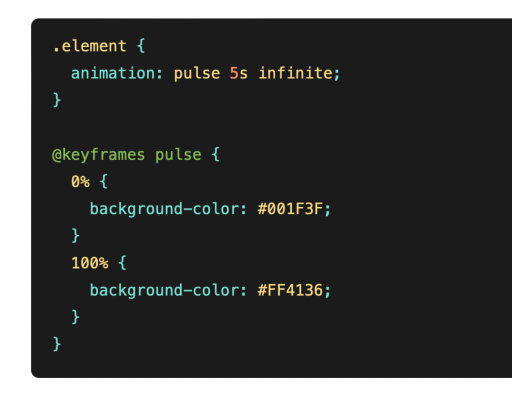
The animation property is used to animate the transition between different CSS properties over time, bringing movement and life to a website. By defining keyframes, you can control how an element moves, changes color, scales, or fades in and out. Animations can make a website feel more interactive and modern while also making your site less stale and static.
:is
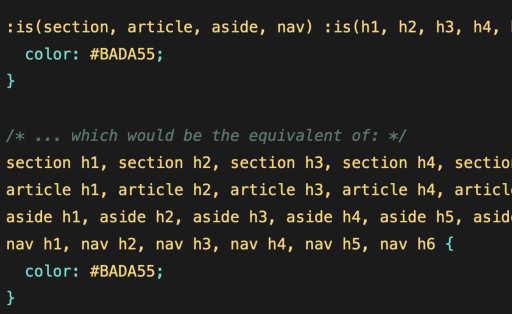
The :is() pseudo-class function allows developers to target multiple selectors at once, simplifying the CSS code. Instead of writing separate rules for each element type, :is() lets you group them together. This is useful when styling common elements like headers, paragraphs, and divs in a uniform way.
align-content
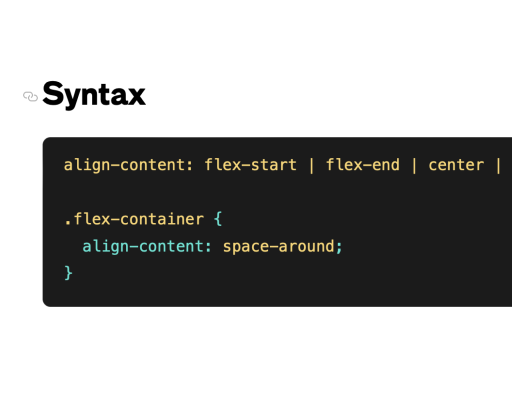
The align-content property manages the distribution of space between rows or columns in a grid or flex container, specifically when there’s extra space. This is highly beneficial for responsive designs where different screen sizes may lead to excess space.
:hover
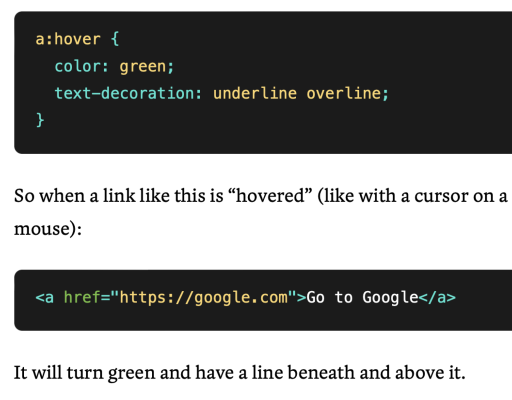
The :hover pseudo-class triggers styles when the user hovers their cursor over an element, making it best for interactive elements like buttons, links, and menus. Hover effects improve user engagement by providing visual feedback, helping users understand which elements are interactive. They also enhance user experience by creating playful or subtle visual transitions when a user’s focus shifts to an element.
scroll-behavior
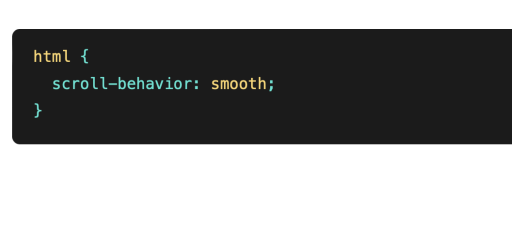
The scroll-behavior property controls the smoothness of scrolling when navigating between different sections of a page. By using this, you can create visually pleasing transitions between sections, improving user experience.
:before
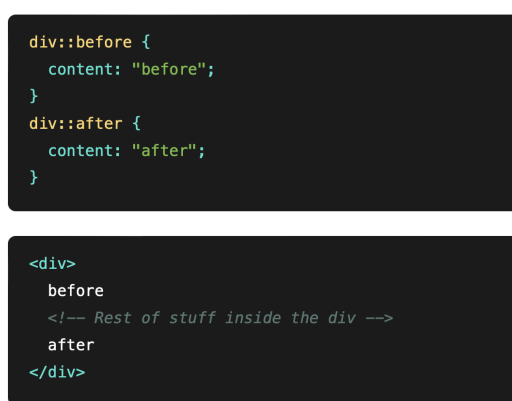
The :before pseudo-element is a great tool for adding content or decoration before the main content of an element without altering the HTML. Often used to insert icons, shapes, or style details, it enhances design flexibility.
place-item
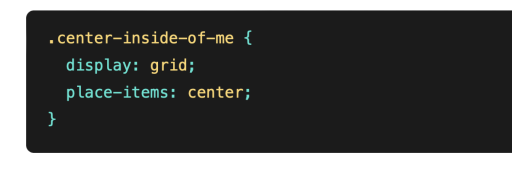
The place-items shorthand property simplifies the alignment of items in grid and flexbox layouts by combining align-items and justify-items into one declaration. It helps center/position items both vertically and horizontally within their container with minimal code.