Extract UI Items

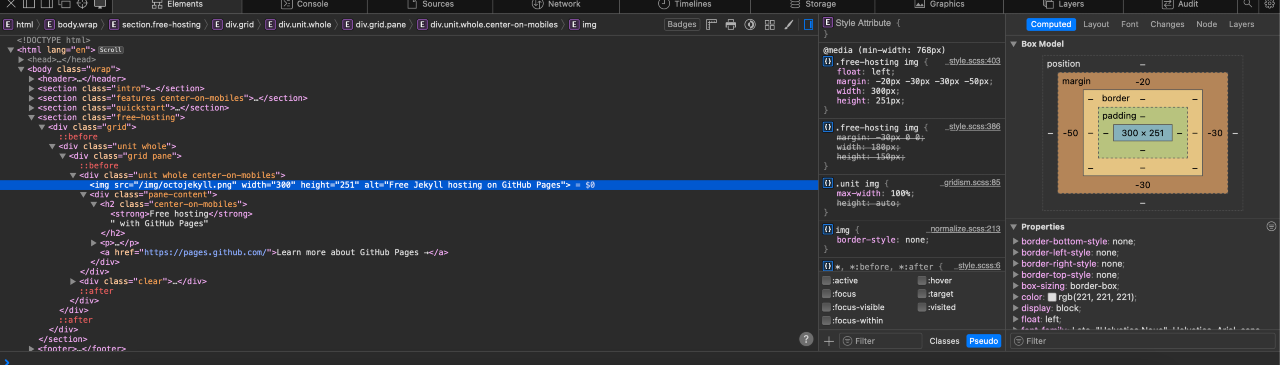
Image of cartoon octopus-cat
Octocat

Octocat

UI Item - Summary

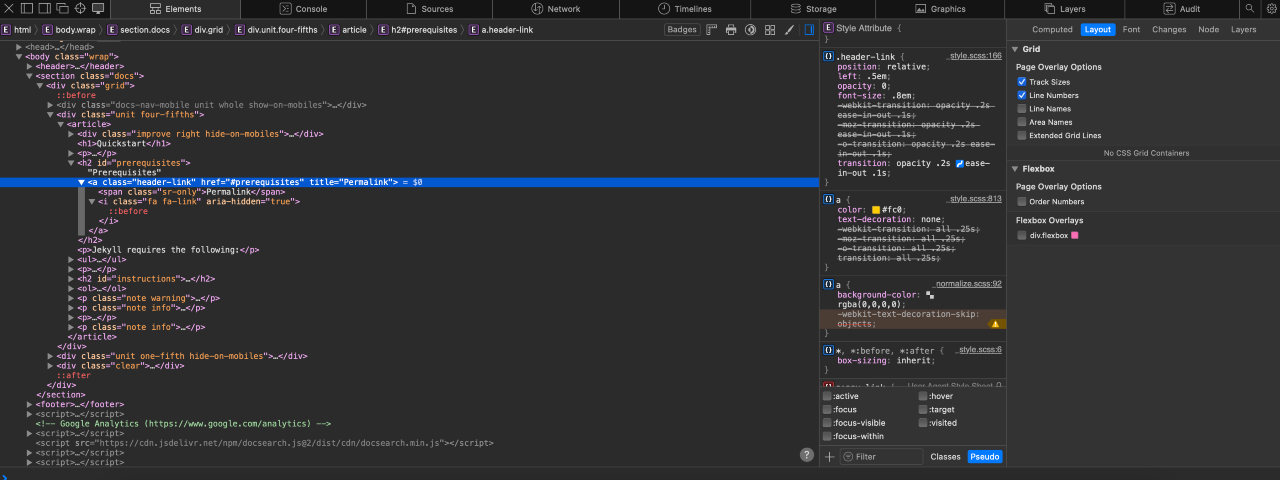
Having the image stand out over the rest of the page makes it have a depth that allows the page to be more than a flat screen.

UI Item - Techniques

The simple yet effective technique that allows for this overhang is using negative margin to pull the image close to its source allowing the other elements to fill in the rest.
Line Indent Across Page

Indent

UI Item - Summary

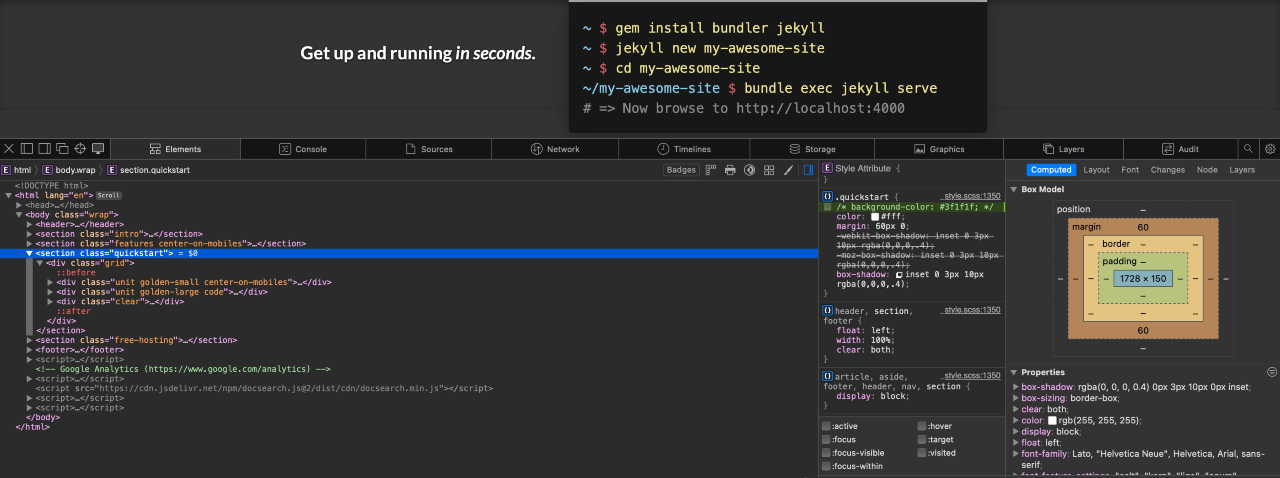
I thought this indent was really cool, it is almost like the octocat where it provides a sense of non flat page elements that look as though they are above others on a flat surface.

UI Item - Techniques

It looks like they put a colored box with grey gradients on the ends applying over the colored area. This allowed they to put box shadow to have the indent appearing as if the page has more depth.

Wrap Around

Wrap Around

UI Item - Summary

This developer realy likes to use features that allow their page to "pop" which is nice because it allows the page to look like there is more to it than just a document that has basic information.

UI Item - Techniques

I am not entirely sure how they made the effects but my best guess is they created a smaller box and made that boxes lower right have the slightly darker colored blue to make it have depth and ut it next to the blue box to make it look like it was wrapping.

Chain Link-Hyperlink

Chain Link

UI Item - Summary

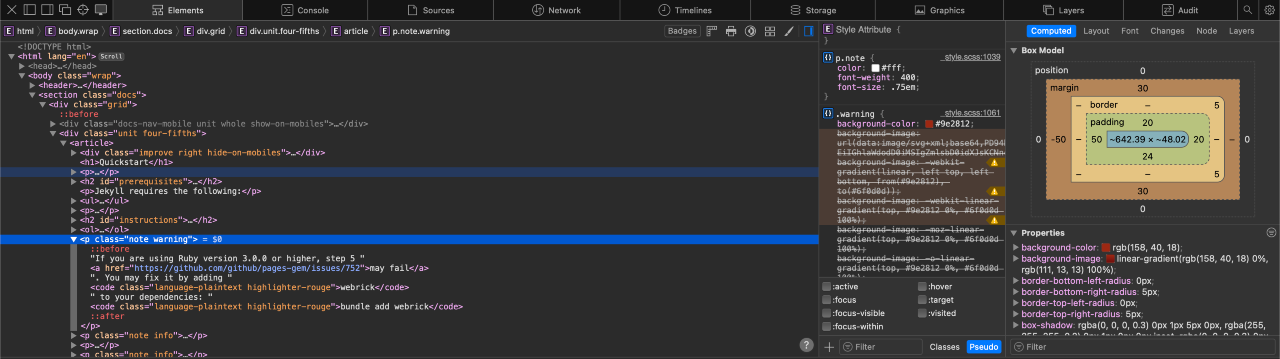
I thought this was a cool and funny link, it is a chain link that is a hyperlink. The cool feature is that it is not present until you hover over the area.

UI Item - Techniques

The technique used allows the mouses relative position of hovering to allow the link to be hidden and then appear, could be considered a hover box